
Download WordtoPDF Converter – convert Word to PDF, Word to PDF converter, PDF converter, document conversion tool, free Word to PDF tool, convert Word to PDF free, Word to PDF online
Overview
WordtoPDF Converter is a dedicated mobile utility designed to simplify the process of transforming Microsoft Word documents into PDF format. The app serves as a streamlined solution for users who require a reliable, no-frills method to convert files on their smartphones or tablets. Its primary purpose is to eliminate the complexity often associated with document conversion, offering a direct path from .docx to .pdf with minimal user interaction. This tool is particularly useful for professionals, students, and remote workers who frequently need to share or archive documents in a universally accessible format.
The app targets individuals who value efficiency and document integrity, especially those who may not have access to desktop software or prefer mobile-first workflows. By focusing exclusively on Word-to-PDF conversion, the app avoids feature bloat, ensuring a consistent and predictable user experience. The developer, WordtoPDF Converter, has positioned the tool as a lightweight, purpose-built solution for a common digital need. While specific details about the developer’s background are not available, the app’s long-standing presence since its release on December 5, 2017, suggests a stable and maintained product.
Real-world use cases include preparing reports for submission, sharing project drafts with team members, or archiving personal documents securely. In the broader app ecosystem, WordtoPDF Converter fills a niche by offering a free, mobile-optimized alternative to desktop-based conversion tools, enhancing productivity on the go. Its presence on Android underscores the growing demand for mobile productivity utilities that support essential document workflows without requiring a full computer setup.
Key Features & Functionality
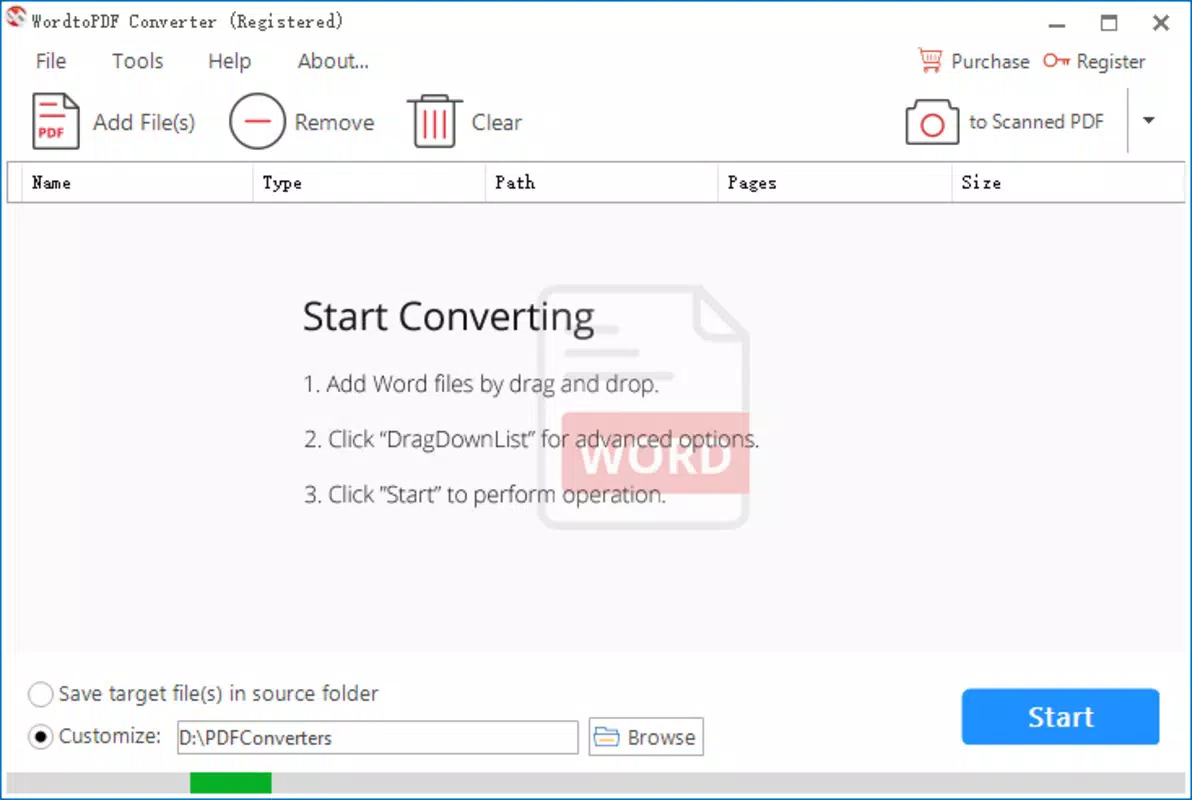
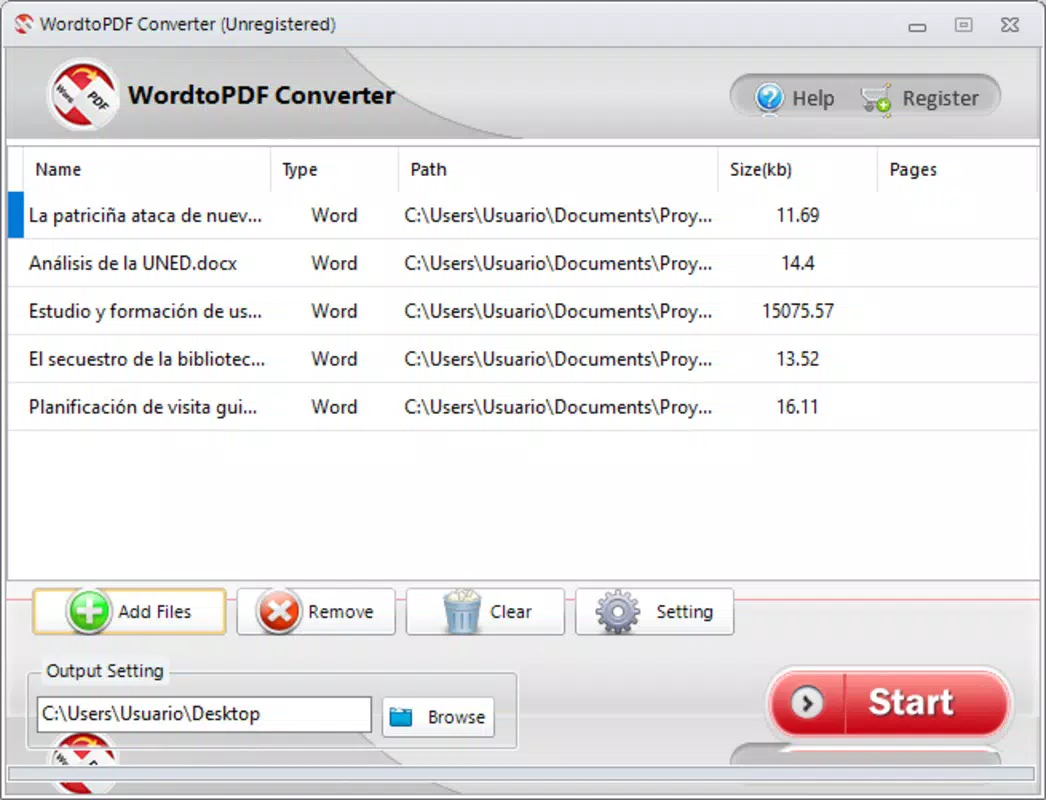
- Drag and Drop Conversion: Users can convert Word files by simply dragging them into the app’s interface, eliminating the need to navigate complex menus or file paths. This feature enhances usability, especially for users unfamiliar with file management systems.
- Fast Conversion Speed: The app processes documents in seconds, making it ideal for urgent tasks such as last-minute submissions or on-the-spot sharing. This efficiency supports time-sensitive workflows without compromising output quality.
- Quality Preservation: The tool maintains the original formatting, fonts, images, and layout of the source document during conversion. This ensures that the final PDF appears identical to the original Word file, preserving professional presentation.
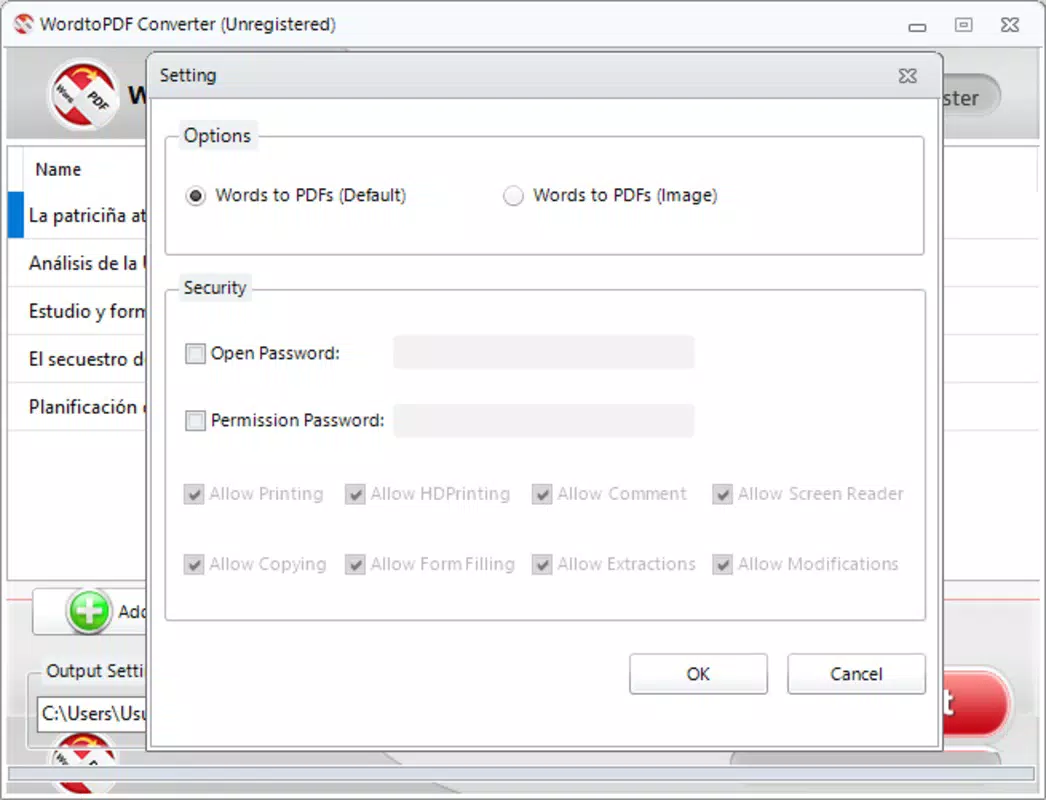
- Password Protection: After conversion, users can secure their PDFs with a password, restricting unauthorized access. This feature is essential for protecting sensitive information such as contracts, academic papers, or personal records.
- Focused Functionality: Unlike multi-tool apps, WordtoPDF Converter specializes solely in converting Word documents to PDF. This singular focus enhances reliability, reduces interface clutter, and ensures optimal performance for its core task.
For example, a student preparing a research paper can drag their .docx file into the app, convert it instantly, and password-protect it before emailing it to their professor. Similarly, a small business owner can quickly transform a client proposal into a secure PDF for digital delivery. The app’s narrow scope ensures that each feature is refined and dependable, delivering consistent results across various document types.
Interface, UX & Performance
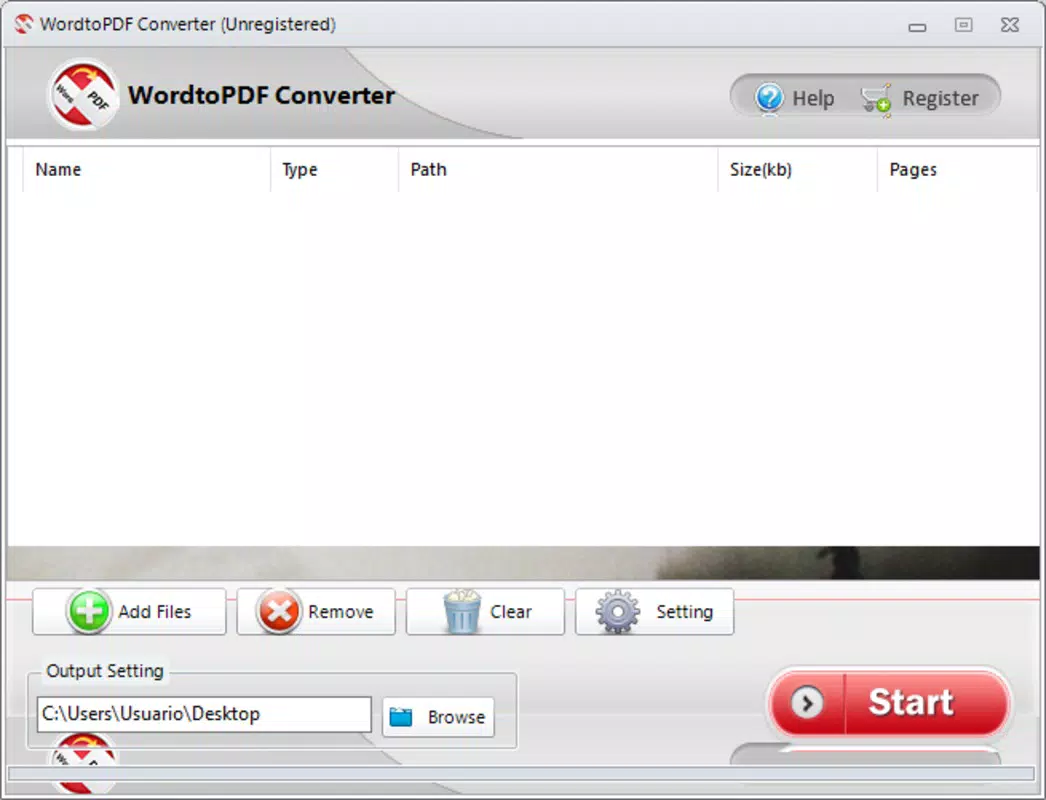
The user interface of WordtoPDF Converter is designed with simplicity and clarity in mind. The layout centers around a clean, minimalistic design that prioritizes the conversion task without distractions. Users are presented with a central drop zone, clearly labeled for file input, which supports intuitive interaction through touch gestures. Navigation is straightforward—there are no hidden menus or layered options, reducing the learning curve for new users.
Visual style emphasizes functionality over ornamentation, using neutral colors and legible typography to maintain focus on the file conversion process. The app responds promptly to touch inputs, with immediate feedback when a file is dropped or converted. Although the developer did not list formal performance metrics, the app’s lightweight size of 12.8 MB suggests optimized resource usage, which typically correlates with smooth operation on a range of Android devices.
Responsiveness across different screen sizes and device categories is expected to be consistent, given the app’s compact footprint and lack of complex animations. Stability appears to be a strength, supported by its long-term availability since 2017. While specific information about crash rates or background processing is not provided, the app’s focused nature likely contributes to reliable performance during active use. Overall, the UX is optimized for speed and ease, aligning with the expectations of users seeking a frictionless conversion experience.
Platform Compatibility & Technical Requirements
WordtoPDF Converter is available on the Android platform, making it accessible to a wide range of smartphone and tablet users. The app’s current version is 2.0, with a file size of 12.8 MB, indicating a lightweight and efficient installation. This small footprint allows the app to run smoothly on devices with modest storage and processing capabilities, expanding its usability across various Android models.
Specific requirements such as minimum OS version or hardware specifications were not disclosed by the developer. As a result, compatibility with older or newer Android versions cannot be confirmed. The developer did not specify minimum OS requirements, so users are advised to ensure their device supports the latest Android updates for optimal performance. Despite this, the app’s long-standing presence suggests it has been adapted to maintain functionality across multiple Android releases.
Pros and Cons
Pros
- Free to download and use, with no hidden in-app purchases.
- Simple, intuitive interface designed for quick file conversion.
- Preserves document formatting, images, and layout during conversion.
- Supports password protection for enhanced document security.
- Lightweight size (12.8 MB) ensures fast installation and minimal storage usage.
Cons
- Specific technical requirements, such as minimum OS version, were not listed.
- Functionality is limited to Word-to-PDF conversion; no support for other formats.
- Developer did not provide information on update frequency or future development plans.
- Compatibility with newer Android versions cannot be verified without official details.
- No cloud integration or file syncing features were mentioned.
FAQ
Is WordtoPDF Converter safe to download?
Yes, the app is available for free and has been in circulation since 2017. While no third-party security scans are provided, its long-standing presence on Android suggests a stable and secure release.
Can I convert multiple Word files at once?
The app supports drag-and-drop functionality, but the developer did not specify whether batch conversion is available. Users may need to convert files individually.
Does the app work on iOS devices?
WordtoPDF Converter is currently available only on Android. There is no information about an iOS version or availability on Apple devices.
How do I protect my converted PDFs?
After conversion, users can apply a password to secure the PDF file. This feature helps prevent unauthorized access and maintains document confidentiality.
Is there a limit to file size or document length?
The developer did not disclose file size or document length limitations. However, the app’s lightweight design suggests it can handle standard Word documents without issues.
Final Thoughts
WordtoPDF Converter delivers a focused, reliable solution for users who need to convert Word documents to PDF format on their Android devices. Its clean interface, fast performance, and commitment to preserving document quality make it a valuable tool for professionals, students, and anyone managing digital documents. While it lacks advanced features like batch processing or cloud integration, its simplicity and efficiency shine in its core function.
For users seeking a free, secure, and straightforward way to convert files without installing desktop software, this app offers a practical alternative. The absence of ads or in-app purchases enhances the user experience, and the lightweight design ensures it runs smoothly on most Android devices. Despite limited technical details, the app’s consistent performance over several years speaks to its reliability.
Download WordtoPDF Converter now


